
iPhone app
Podnap
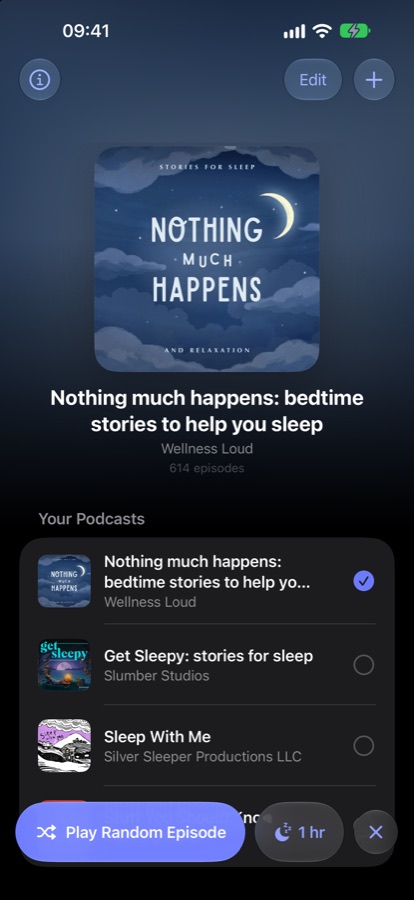
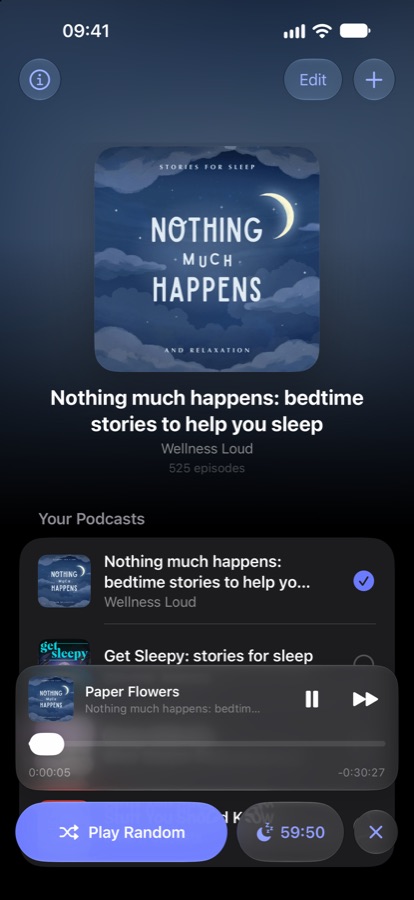
Pick a podcast, tap Play, and drift off. Podnap plays random episodes back to back and fades out gently when your sleep timer ends.
Get it on the App Store ↗- Itch
- Scrolling for an episode in the dark, then waking up when it ends.
- Fix
- One tap plays random episodes back to back until the sleep timer fades it out.
- Skipped
- Accounts, queues, discovery. It's a bedtime button.
What it does
- Shuffle, don't scroll. One tap plays a random episode, and another random one follows, without repeats.
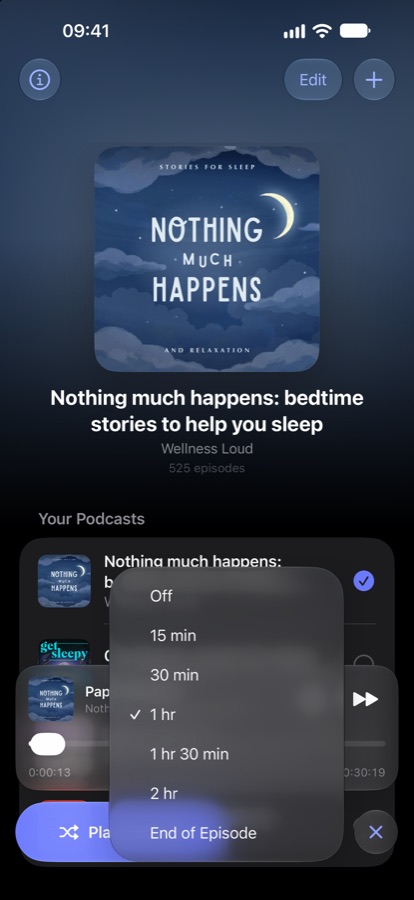
- A sleep timer that fades. 15 minutes to 2 hours, or end of episode. It starts every time you press Play.
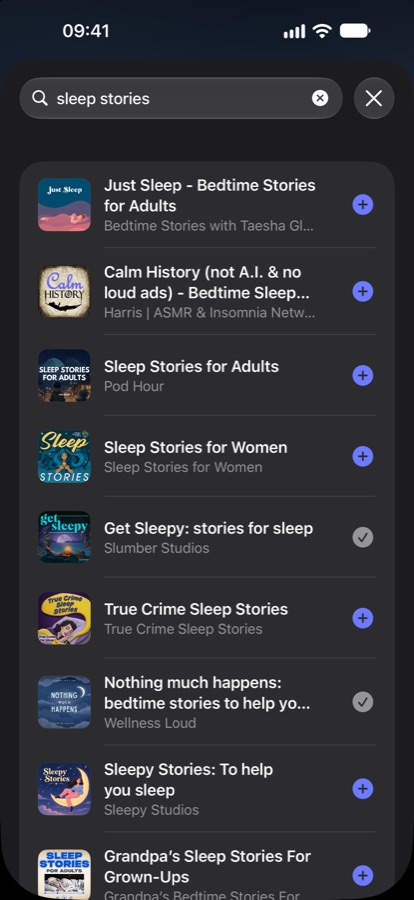
- Any podcast. Search by name or paste any RSS feed.
- Hands-free. “Shuffle Podnap” with Siri, Shortcuts or the Action button.
- Private. No accounts, no ads, no tracking.
Contact
Questions, bugs or ideas? I read every message.
podnap@dimitrios.imYou can also tap the info button in the app and choose Send Feedback, which adds your app and iOS version for you.
Common questions
How do I add a podcast?
Tap + and search for the show by name, or paste its RSS feed link.
How does the sleep timer work?
Tap the moon button next to Play and choose a length, or End of Episode. The timer starts each time you press Play, and the audio fades out instead of stopping abruptly. Tap × to turn it off.
Can I use it with Siri?
Yes. Say “Shuffle Podnap”, or “Shuffle” followed by a podcast name and “in Podnap”. You can also add Podnap to Shortcuts, the Action button, or a bedtime automation.
An episode won't play. What can I do?
Podnap streams audio directly from each podcast's publisher. If an episode fails, Podnap moves on to another random one. If a whole show won't play, check your connection, then remove the podcast and add it again. If it still fails, email me the show's name.
Where is my data stored?
Only on your iPhone. There are no accounts, ads or tracking. See the privacy policy.